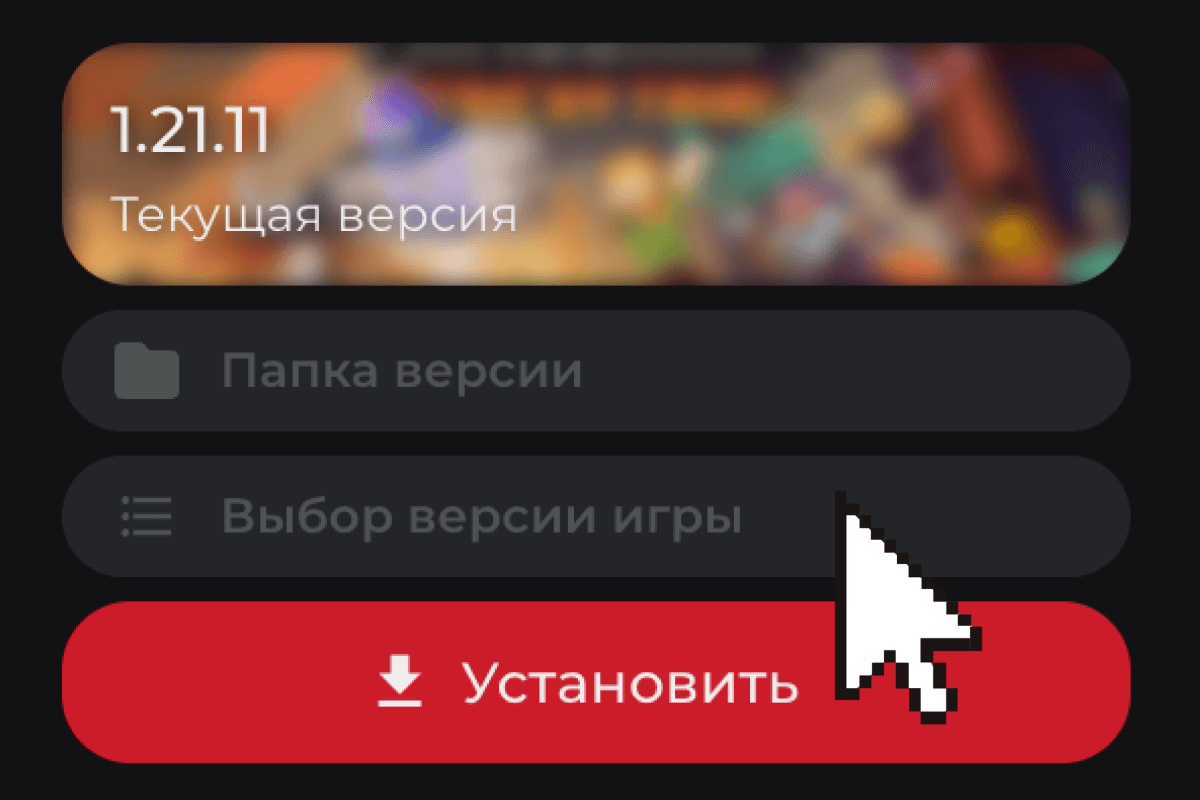
Open
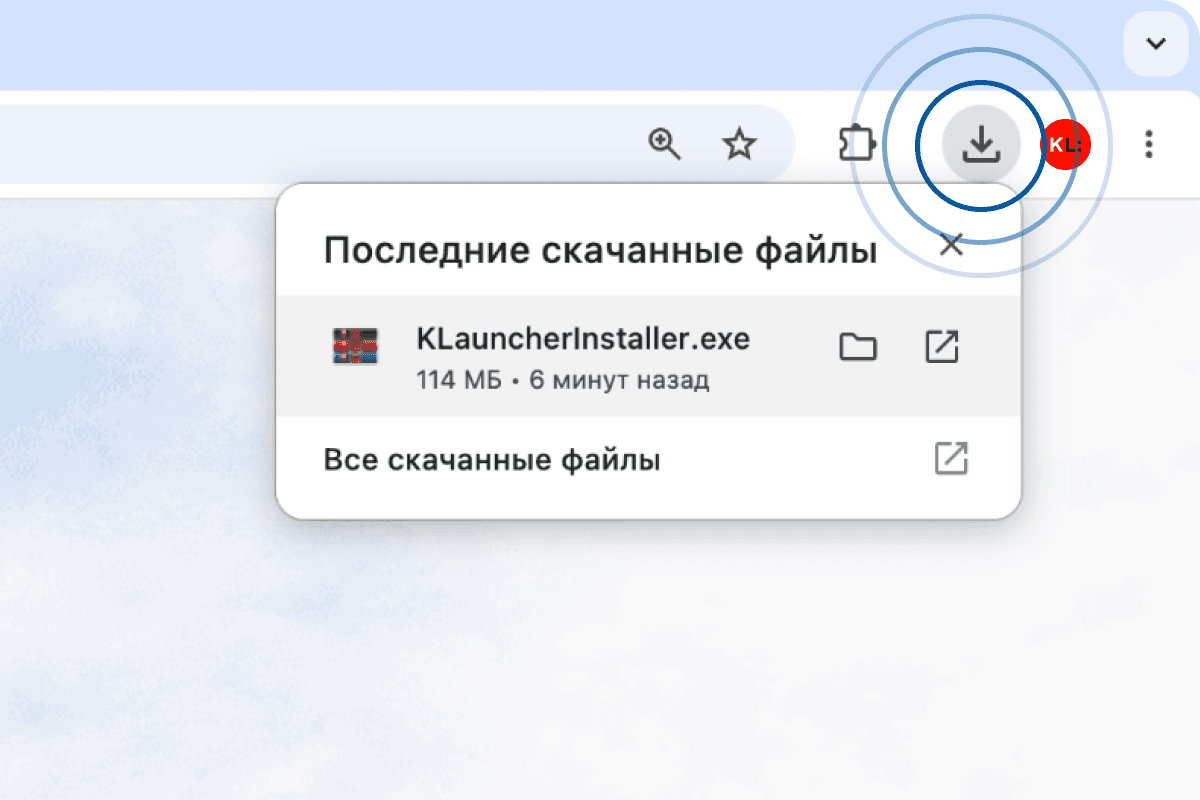
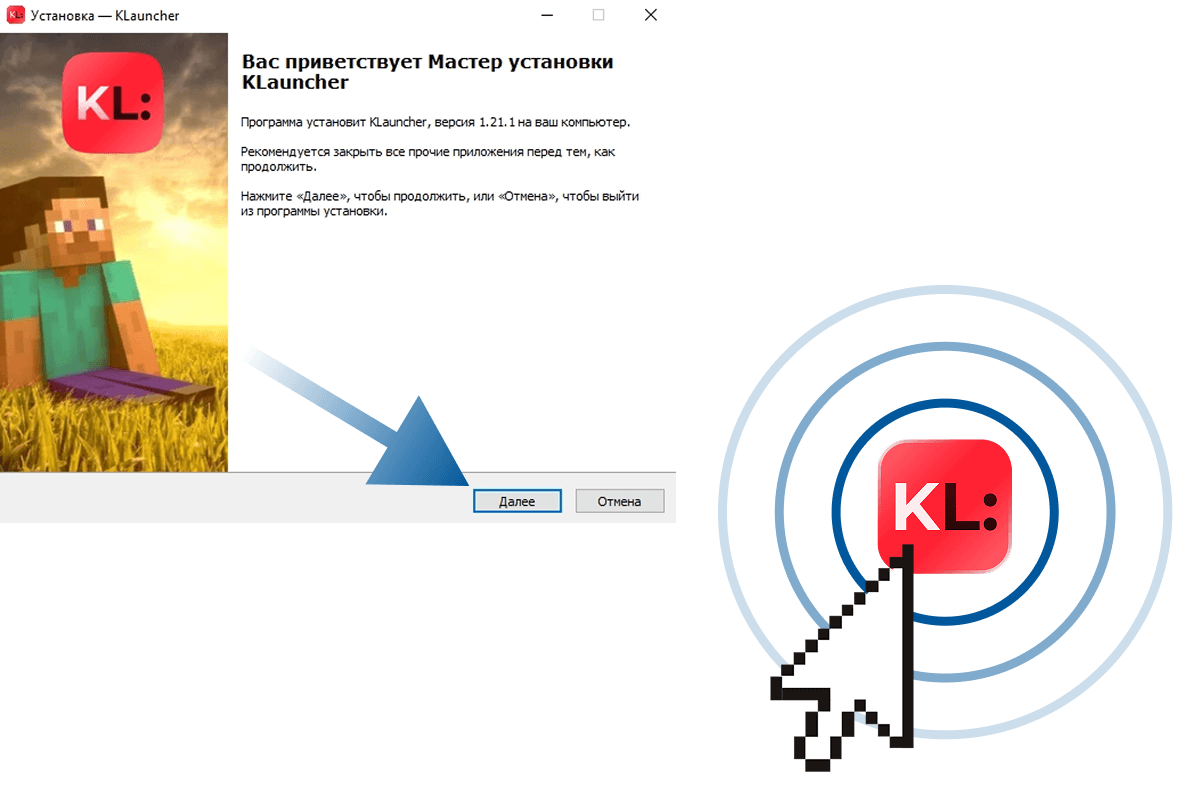
Run the downloaded file from your Downloads folder or from the downloads bar in the top-right corner of your browser.
 RURU
RURU EN
EN ES
ES FR
FR HI
HI JA
JA KO
KO MS
MS PT
PT TR
TRYour download has started. If it didn't — pick a build:
Run the downloaded file from your Downloads folder or from the downloads bar in the top-right corner of your browser.
Follow the installer steps. Once it's done, a shortcut named «KLauncher» will appear on your desktop.
Pick the Minecraft version you want to play and hit «Play». The launcher will install everything for you.