 RU
RU EN
EN ES
ES FR
FR HI
HI JA
JA KO
KO MS
MS PT
PT TR
TR




Why doesn't Minecraft start/crash?
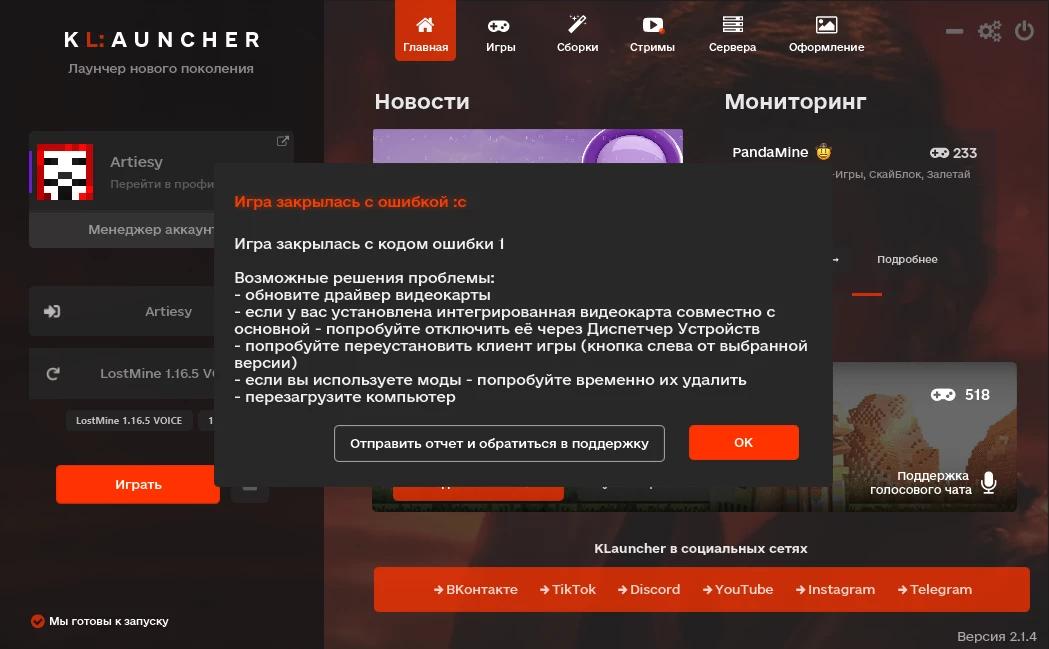
If you are faced with the problem of game departure, an error appears at startup, then this article was created especially for you!
Incompatible with the mod version

Check the folder.minecraft/mods for mods that do not match the selected version of the game. Also keep in mind that if you are running the version with OptiFine, then you do not need to install it manually.
Also, some mods may require additional libraries. To do this, you need to study the description of the add-on, the required library can be written in it.
We recommend our KLauncher assembly system to you. We have installed the latest versions of mods, and you can also read the description in Russian.
Insufficient or too much allocated RAM
In this case, you need to go into the launcher settings and try to allocate more or less RAM

It is necessary to remove the "Automatic selection" checkbox and select a different value (specify in megabytes), or if it was turned off, try to turn on and start the game.
Settings file options.txt
Sometimes, when running very different versions (for example, from 1.7.10 to 1.16.5), an error related to the settings file may occur options.txt , because with the advent of new versions, settings become obsolete or new values are added.
The solution to the problem is to delete the file options.txt in the folder .minecraft (and just in case optionsof.txt )

If you have other solutions to the problem - send them to us in the VKontakte group