 RU
RU EN
EN ES
ES FR
FR HI
HI JA
JA KO
KO MS
MS PT
PT TR
TR






Acid Shaders - Shaders for Minecraft
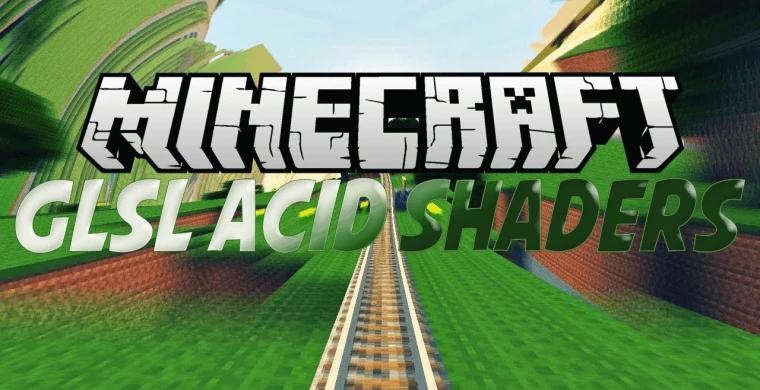
Unlike many shader packages that focus on creating a sense of realism by making light bend and move more realistically in Minecraft, Acid Shaders is more suitable for people who want to get a surreal experience that detaches from reality.
The Acid Shaders mod, like many other shader mods, affects how light and shadows work in the Minecraft world. He may have some problems working with the latest version of Minecraft (1.19), because Acid Shaders appeared a few years ago, even before any new items, objects and models were added to the game. This shader package does not require any additional software or mods to work properly, so you can just install it and play with it, especially since it does not require large resources like many other shader packages.

Unlike many shader packages that focus on creating a sense of realism by making light bend and move more realistically in Minecraft, Acid Shaders is more suitable for people who want to get a surreal experience that detaches from reality. You can immediately see this in the psychedelic effects that occur on objects and aspects of the environment that are far away from the player or you. The further away you are from something, the more distorted it becomes thanks to this shader package, which undoubtedly inspired the name Acid Shaders.


If you are looking for an interesting look at the same old Minecraft gameplay, you may really like the Acid Shaders shader mod. He makes the world look unsettling in a way, and it will definitely make you think, stop blinking and repeatedly ask yourself if what you see on the screen is really happening in the game. With low resource requirements, almost anyone who can play Minecraft can use these shaders. However, since Acid Shaders doesn't really work like most shader packages, many users will probably want to avoid it.

Shaders are suitable for version Minecraft 1.19.1.
