 RU
RU EN
EN ES
ES FR
FR HI
HI JA
JA KO
KO MS
MS PT
PT TR
TR






マインクラフト 23w46a をダウンロード
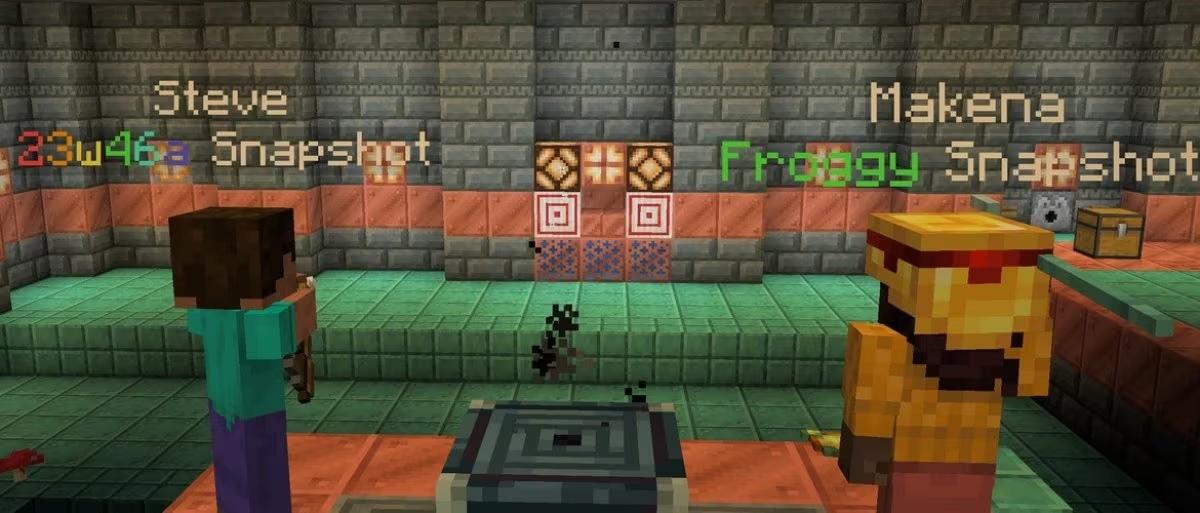
This snapshot introduces several changes focused on the red stone.
Minecraft versionLatest
Mod loadersForge · Fabric · NeoForge · Quilt
PlatformsWindows · macOS · Linux
SafeScanned · virus-free
CHANGES
- Updated Crafter textures.
TECHNICAL CHANGES
- The Data Pack version is now 25.
DATA PACKAGE VERSION 25
- Added separate display names for scoreboard entries.
COMMANDS
SCOREBOARD
Display names
- Each entry on the scoreboard can now have its own display name.
- These values are stored separately for each goal and the owner of the points.
- If there is no name, the name of the owner of the points is used (i.e. the old behavior).
- If the account is reset or the entire goal is deleted, the name is not saved.
- Team rewards will still be applied to names in the usual way.
- Subcommands for managing names:
display name of the players on the scoreboard <goals> <goal> <text component>— set the display namedisplay name of the players on the scoreboard <goals> <goal— clear display name
Automatic update of the display name
- To simplify the management of display names, goals can also be configured to automatically update display names every time the score is updated.
- This option is disabled by default
- If the owner of the glasses does not have a display name (because it cannot be attributed to any currently loaded object), the current name is saved.
- Command for managing auto-updating goals:
Scoreboard goals change < scoreboard> displayautoupdate [true|false]
Formatting numbers
- Numeric scores can now be formatted.
- Formats can be set for both goals and individual evaluations.
- Accounts in the specified formats will be displayed the same in all contexts (sidebar, under the player's name, etc.).
- Subcommands for managing formats:
goals of the scoreboard change <objective> numeric format <format>— to set the default format for thegoal, the scoreboard goals are changed <objective> numeric format— to clear the default format for the target, the players on the scoreboard display the numeric formatThe players on the scoreboard display the numeric format <targets> <score>— to clear the format for a specific point holder.
Formats:
styled— the rating will be displayed in the selected style (for example,{"bold":true})fixed <text component>- the rating will be replaced with textempty- the invoice will not be displayed
コメント []
