 RU
RU EN
EN ES
ES FR
FR HI
HI JA
JA KO
KO MS
MS PT
PT TR
TRРесурспаки и текстурпаки Майнкрафт
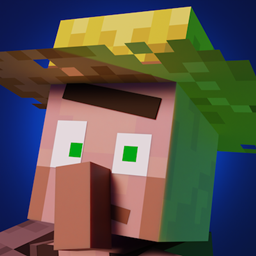
Fresh Animations
Make your game like the trailers! Dynamic animated entities to freshen your Minecraft experience.

Fresh Moves
This is EMF Player Animation resource pack. Gives fancy animations to the player entity. Compatible with animations from other mods. Like Quark's emotes, Parcool techniques and Not Enough Animations.

Motschen's Better Leaves
Improves the appearance of leaves with high mod compatibility and performance!

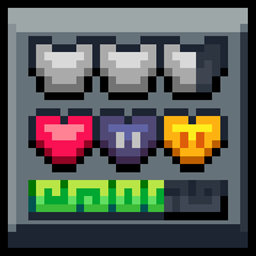
Mandala's GUI - Dark mode
An elegant Interface, in the style of Mandala Creations.

Fresh Waystones Texture
Resource pack that improve textures from the waystones mod.
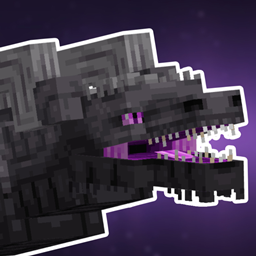
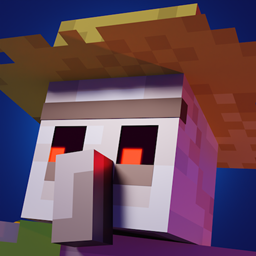
Fresh Animations: Extensions
A combination of offical extension packs for Fresh Animations

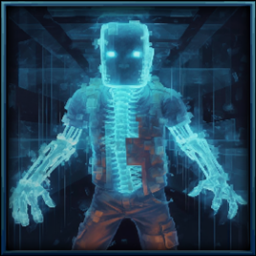
Tissou's Zombie Pack
This turns all undead to deadly horrifying walker-like creatures.

Eclectic Trove (Legendary Tooltips)
Adds 10 various custom frames for use with Legendary Tooltips.

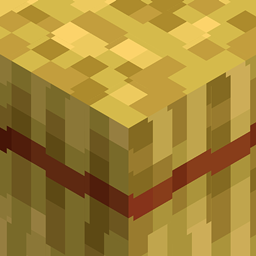

Slightly Improved Font (32x)
This resource pack adds a slightly improved version of vanilla Minecraft font (32x version)
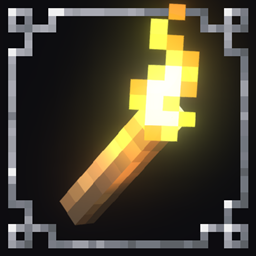

Embellished Stone (Advancement Plaques)
For use with the Advancement Plaques mod, gives them a look of embellished stone.
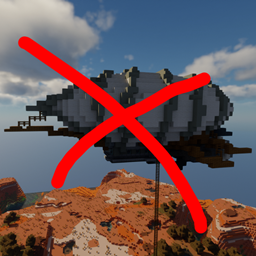
When Dungeons Arise - No Flying Structures
Disables WDA flying structures on the overworld

Enchantment Descriptions Compat
Adds enchantment descriptions for modded enchantments that are missing them!
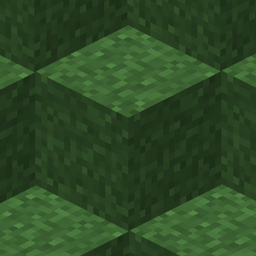
Fast Better Grass
Makes grass and related blocks use the top texture on the sides. Works with other resource packs!
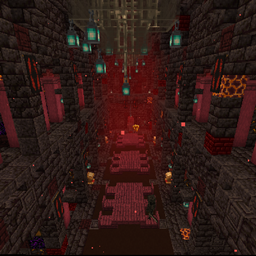
Repurposed Structures - Better Strongholds Compat Datapack
Change RS Strongholds to be in Better Stronghold's style
О каталоге дополнений Minecraft
В KLauncher собран крупнейший каталог модов, сборок, карт, шейдеров и ресурспаков для Minecraft. Все дополнения тестируются на совместимость с актуальными версиями игры и загрузчиками Forge, Fabric, NeoForge и Quilt.
Чтобы установить любой мод одним кликом — используй KLauncher. Он сам определит нужную версию Minecraft, подставит подходящий загрузчик и разрешит зависимости. Не нужно ничего редактировать вручную.
Как скачать и установить мод
Выбери мод в каталоге, нажми «Установить» — лаунчер сделает всё сам. Если устанавливаешь вручную, скачай файл .jar и положи его в папку mods внутри .minecraft. Важно: версия мода и версия Forge/Fabric должны совпадать с версией твоего Minecraft.
Популярные категории модов
Механизмы и энергия, магия и квесты, приключения и боссы, технологии и фермы, оптимизация и графика, мини-карты и хранилища. Отфильтруй каталог по нужной категории, версии Minecraft и загрузчику — найдёшь именно то, что искал.