 RU
RU EN
EN ES
ES FR
FR HI
HI JA
JA KO
KO MS
MS PT
PT TR
TR


Minecraft Resource Packs and Texture Packs
Rupa baharu untuk block, item dan UI.Dipasang dengan satu klik melalui KLauncher —

Make your game like the trailers! Dynamic animated entities to freshen your Minecraft experience.

Improves the appearance of leaves with high mod compatibility and performance!

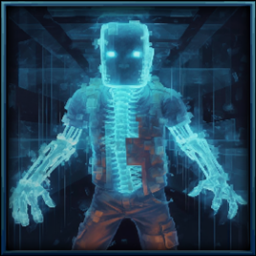
This is EMF Player Animation resource pack. Gives fancy animations to the player entity. Compatible with animations from other mods. Like Quark's emotes, Parcool techniques and Not Enough Animations.


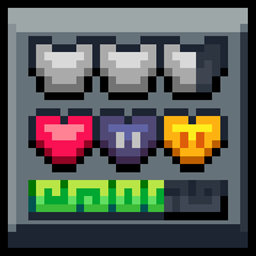
An elegant Interface, in the style of Mandala Creations.

Resource pack that improve textures from the waystones mod.
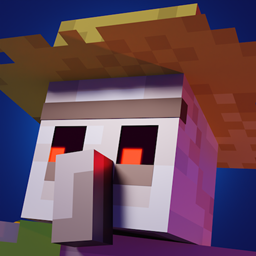
A combination of offical extension packs for Fresh Animations


Adds 10 various custom frames for use with Legendary Tooltips.
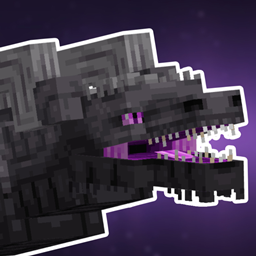

This turns all undead to deadly horrifying walker-like creatures.
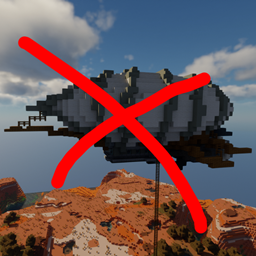
Disables WDA flying structures on the overworld
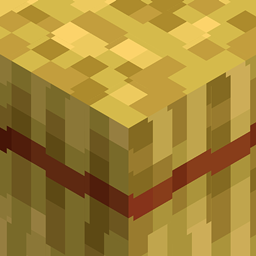

This resource pack adds a slightly improved version of vanilla Minecraft font (32x version)

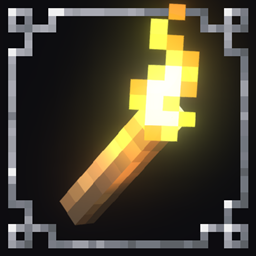

For use with the Advancement Plaques mod, gives them a look of embellished stone.

Adds enchantment descriptions for modded enchantments that are missing them!
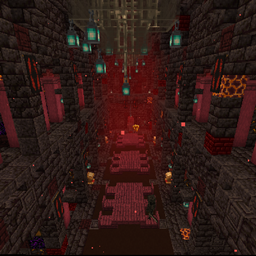
Change RS Strongholds to be in Better Stronghold's style
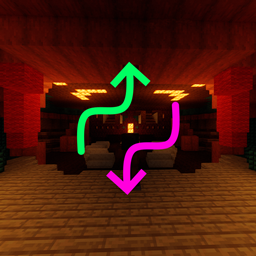
Changes spacing and separation of several WDA structures

Animates players in Fresh Animations' style. An official FA extension.
Dipasang dengan satu klik melalui KLauncher
Tekan “Pasang” — pelancar memilih loader serta memuat turun kebergantungan dan versi permainan yang betul. Percuma.
About the Minecraft add-ons catalog
KLauncher hosts one of the largest catalogs of mods, modpacks, maps, shaders and resource packs for Minecraft. All add-ons are tested for compatibility with the latest game versions and Forge, Fabric, NeoForge and Quilt loaders.
Use KLauncher to install any mod with one click. The launcher detects the Minecraft version automatically, picks the right loader and resolves dependencies. No manual setup required.
How to download and install a mod
Pick a mod in the catalog and press Install — the launcher does the rest. For manual installation, download the .jar file and place it into the mods folder inside .minecraft. Make sure the mod version and the Forge/Fabric version match your Minecraft version.
Popular mod categories
Tech and energy, magic and quests, adventure and bosses, farming and automation, optimization and graphics, minimaps and storage. Filter the catalog by category, Minecraft version and loader to find exactly what you need.