 RU
RU EN
EN ES
ES FR
FR HI
HI JA
JA KO
KO MS
MS PT
PT TR
TR






Endless Java updates in the Launcher. Solving the error
In this article, we will propose a solution to the error with an infinite Java installation.
Klauncher technical support welcomes you. For some users, after the last update, the launcher may hang during installation on the inscription "Updating Java". In this article we will propose a solution to this error.
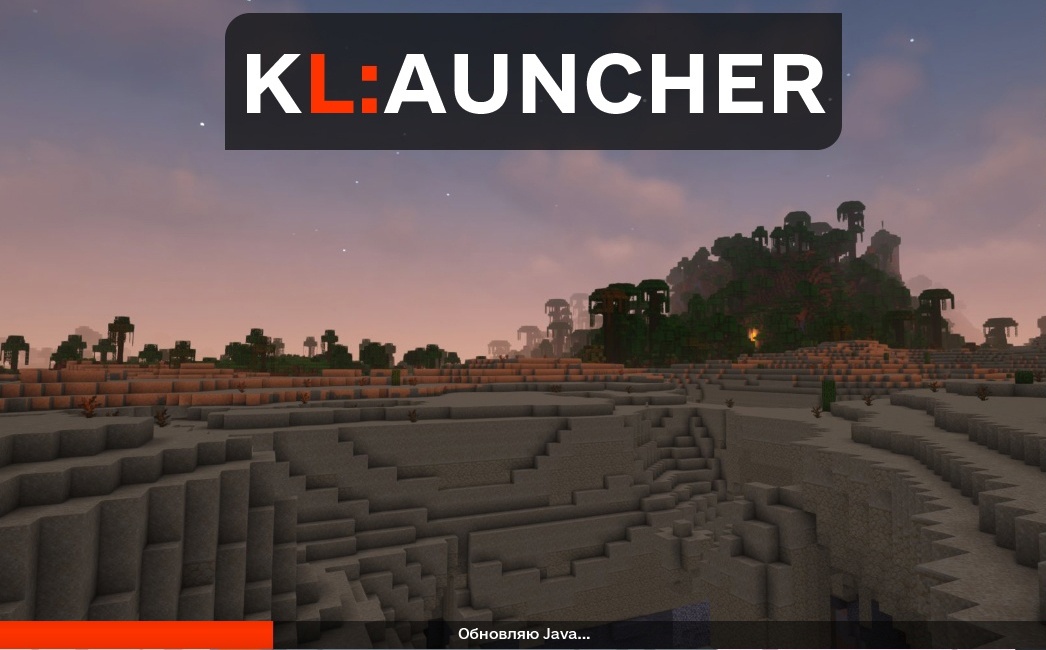
Here is what you need to do:
1) In the folder .minecraft find the Java folder.
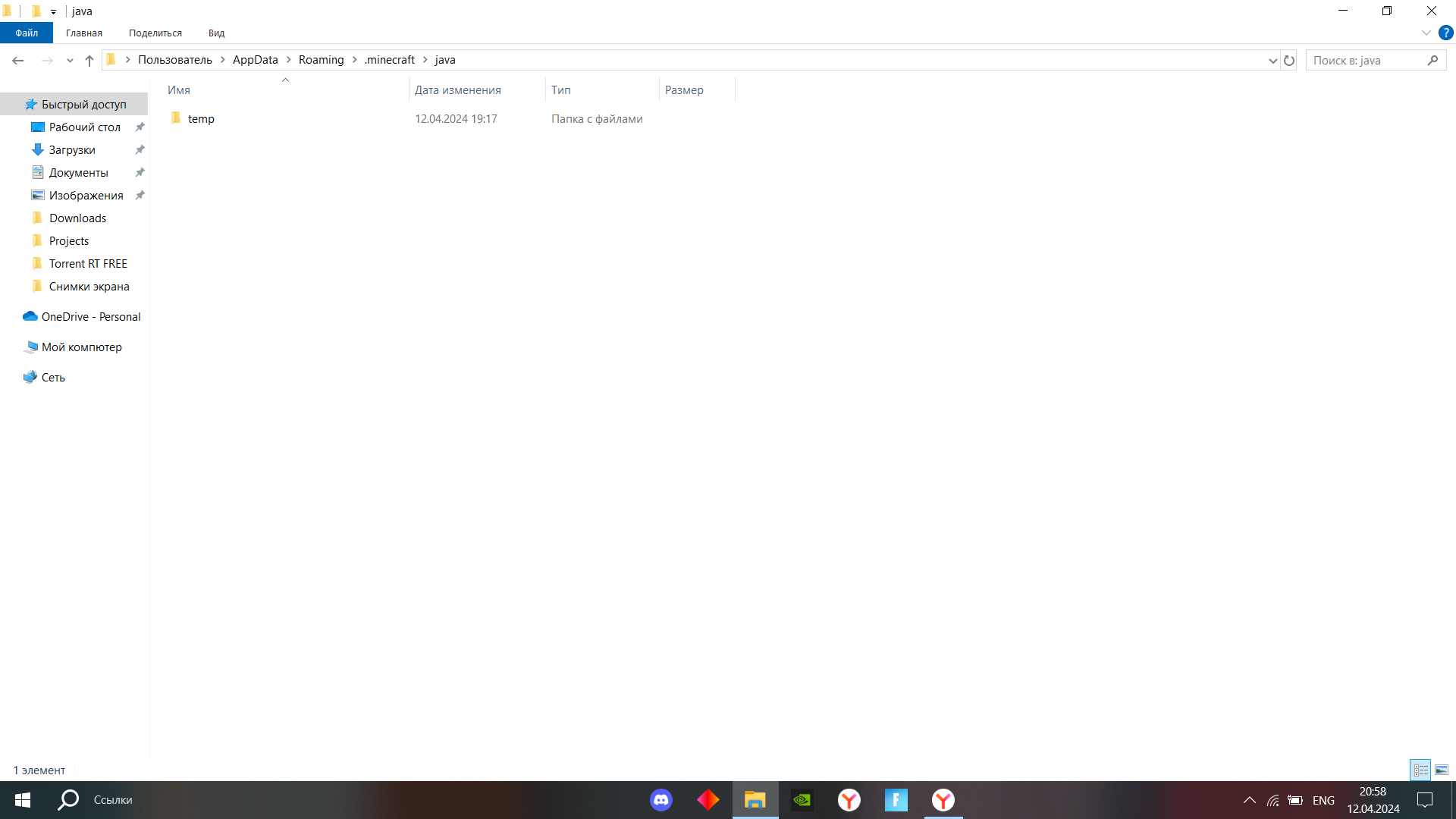
2) Then go to LINK (click on the text) and download the archive from Java.
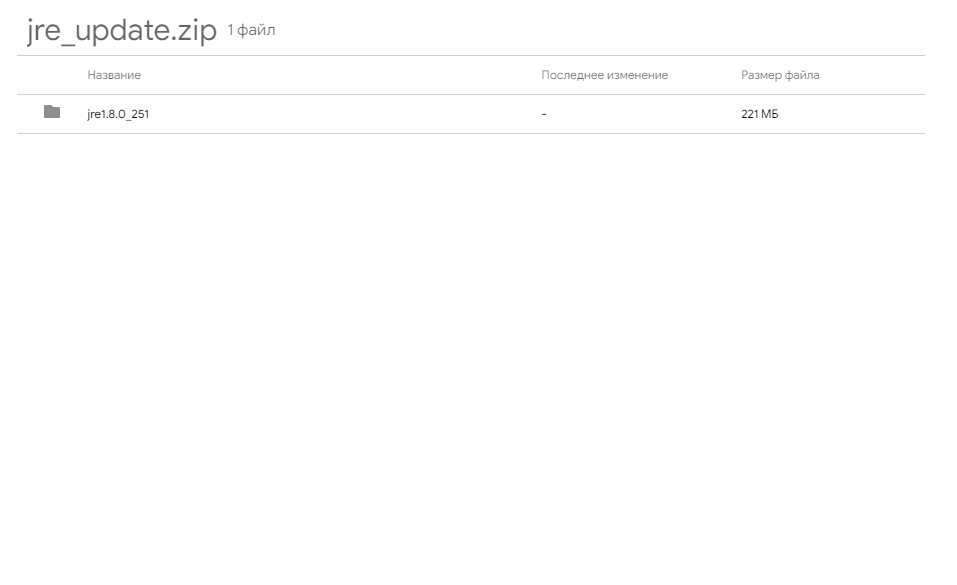
3) Move the downloaded folder to the Java folder in .minecraft, then restart the launcher and the error will be solved.
Any other questions? Contact our group in Vkontakte